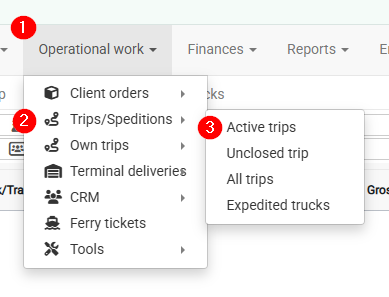
Required navigation sequence: **Operational work → Trips / Speditions**. This opens the planning view.
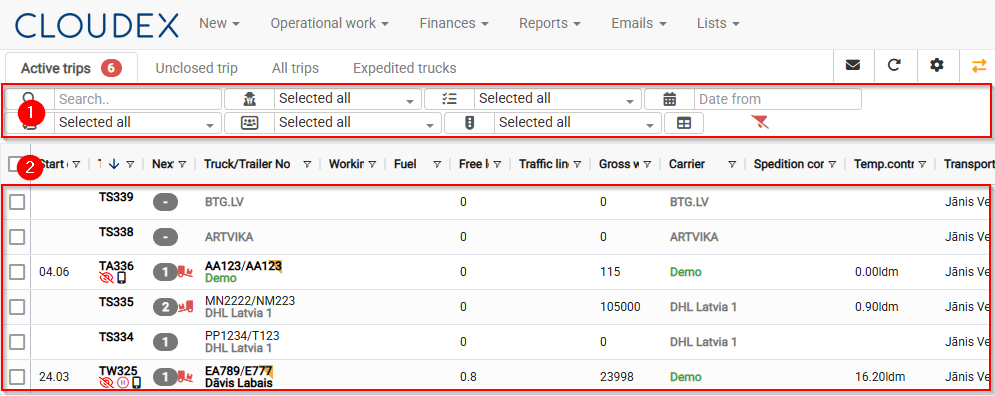
[](https://doc.ozols.lv/uploads/images/gallery/2026-06/image-1781000359766.png) ### How to use the Active Trips view? 1. Filters 2. List of currently available tripsBy default, trips/shipments will remain in the Active Trips list until their status [](https://help.cloudex.app/uploads/images/gallery/2026-06/ePmimage.png) is changed to "Delivered."
[](https://doc.ozols.lv/uploads/images/gallery/2026-06/image-1781000582715.png)