Required workflow: **Operational work → Trips/Expeditions**. You will open the **Trips/Expeditions** window.
---**Current Unplanned Cargo Map** The current unplanned cargo map displays cargo in a visually clear way, making it easier to search for shipments.
For cargo to be properly displayed on the map, loading and unloading coordinates are important. See the image below.
[](https://doc.ozols.lv/uploads/images/gallery/2024-07/image-1722322393255.png) Cargo can be filtered by the following attributes: **Export, Local, Transit, Import, Round trip**. [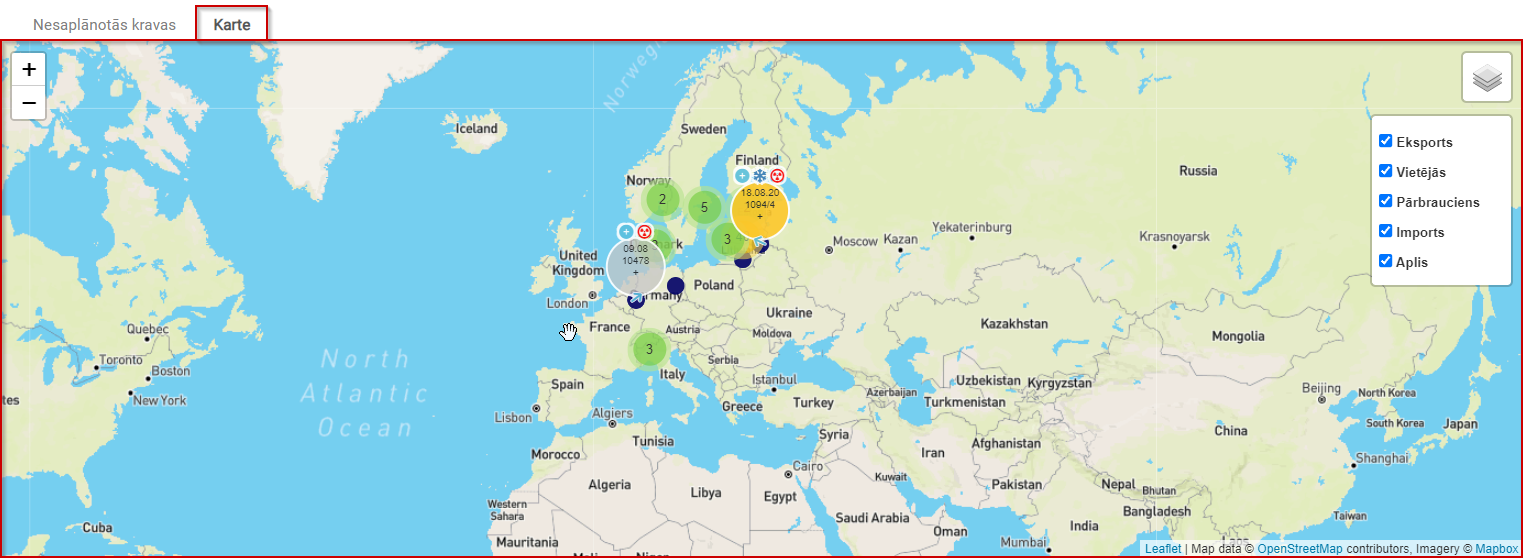](https://doc.ozols.lv/uploads/images/gallery/2024-07/image-1722321986405.png)