First steps with "Cloudex Drive"
1. Installing the Driver App
Search for the "Cloudex Drive" app in the Google Play Store (Android) or the App Store (iPhone).
2. Logging In to the App
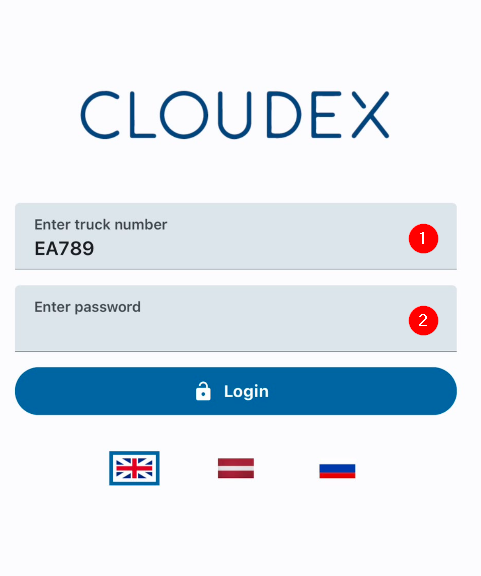
3. Working with an Active Trip
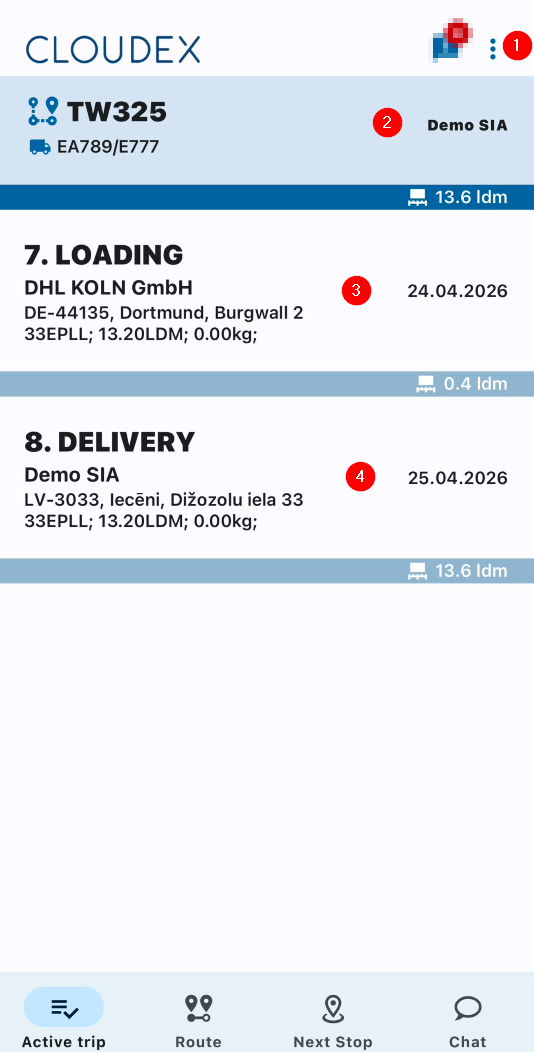
1. Additional Functions
- Refresh list
- Open trips
- Settings
- Log out
2. If necessary, call the trip manager or the responsible contact person.
3. Loading Location
- Information about the current loading location
- Date and GPS coordinates
- Phone number of the contact person
4. Delivery Location
- Information about the current loading location
- Date and GPS coordinates
- Phone number of the contact person
4. Adding Files
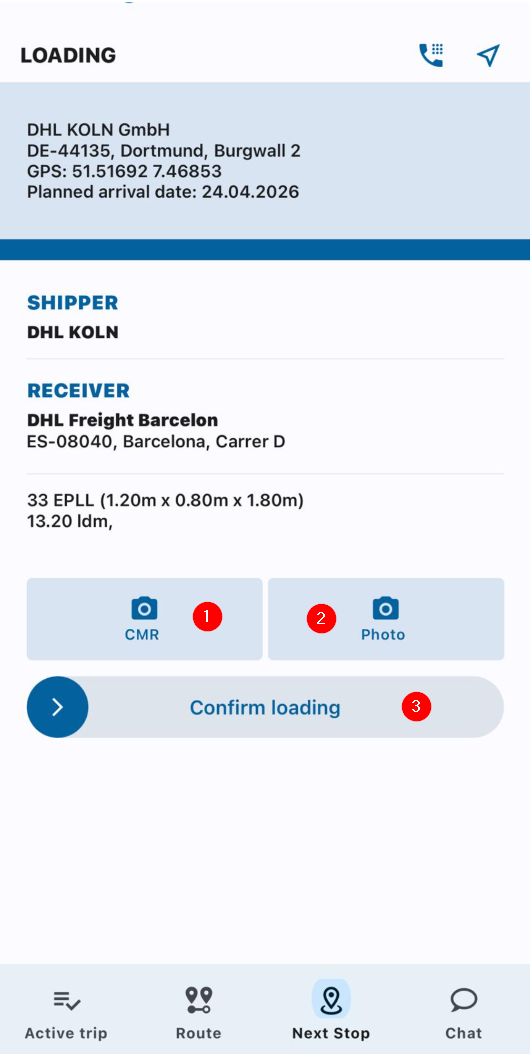
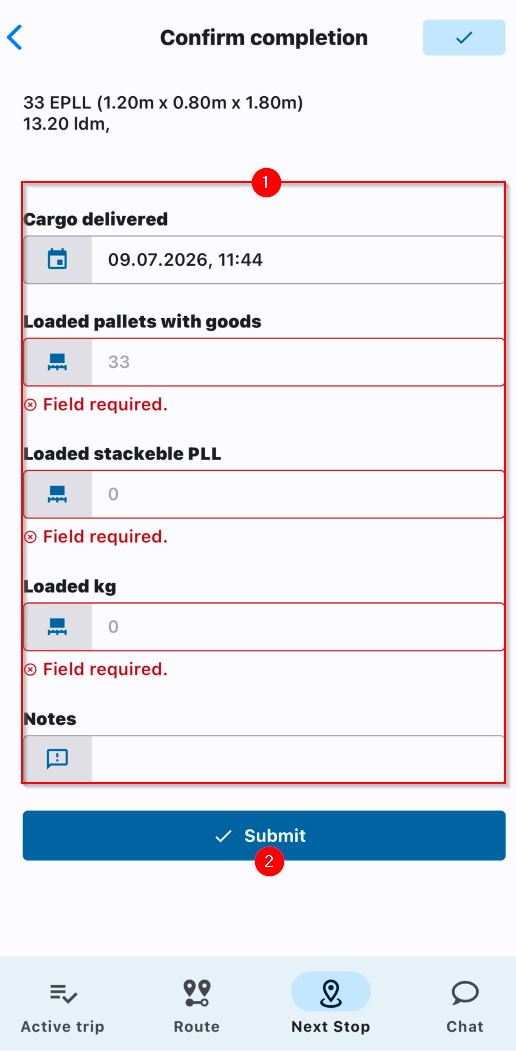
5. Confirming Cargo Loading / Submit