2. Multiple Pickup or Delivery Addresses – Multibooking
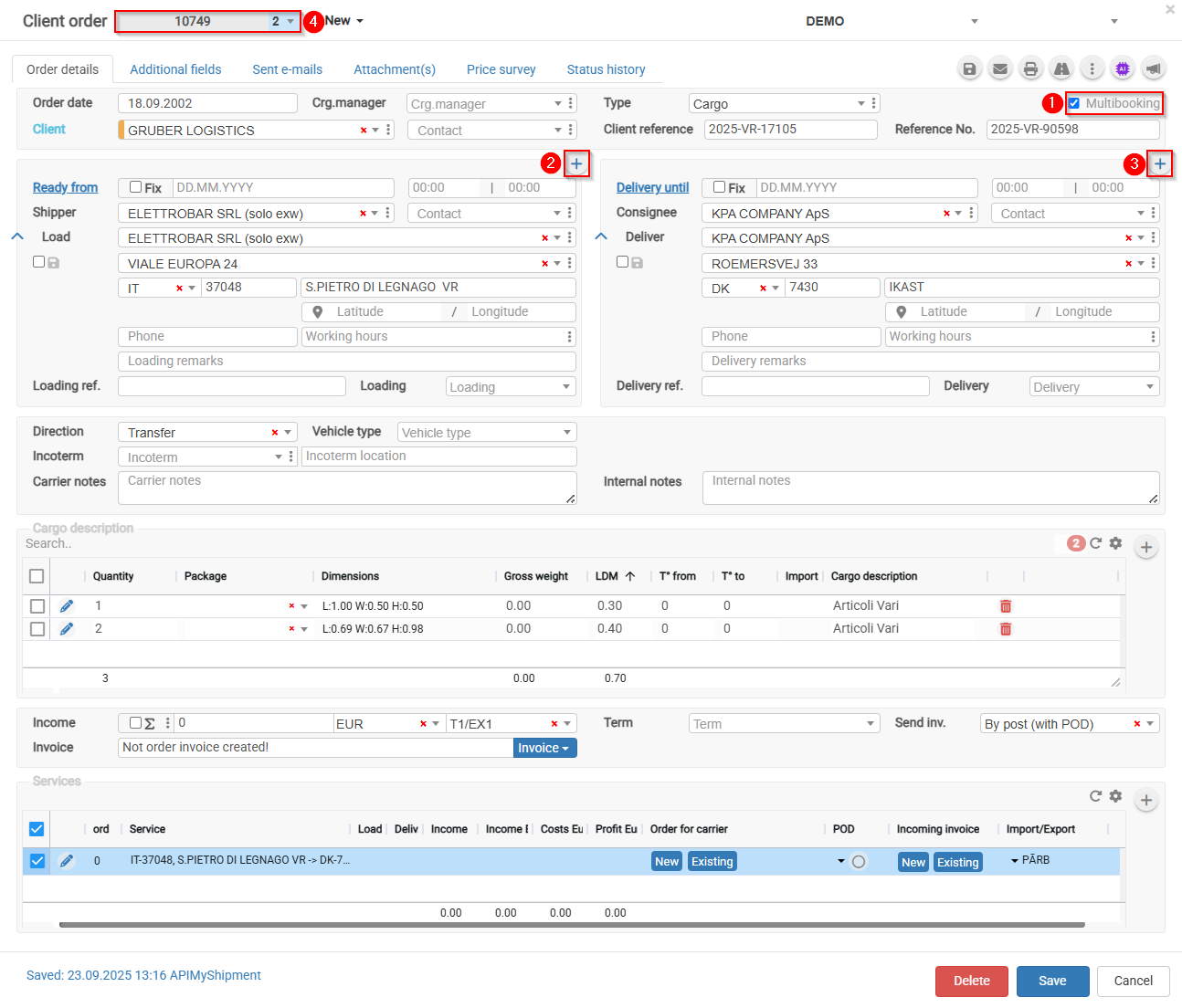
Multibooking is used when a single customer order includes multiple pickup or delivery addresses.
- Check the box
 for Multibooking.
 - Click
 to add additional pickup addresses.
 - Click to add additional delivery addresses.
- The order number will be assigned a sub-number.
 allows you to switch between multibooking orders.