Skip to main content
How to Configure Customer Shipment Notifications?
Open the
partnerPartner page.
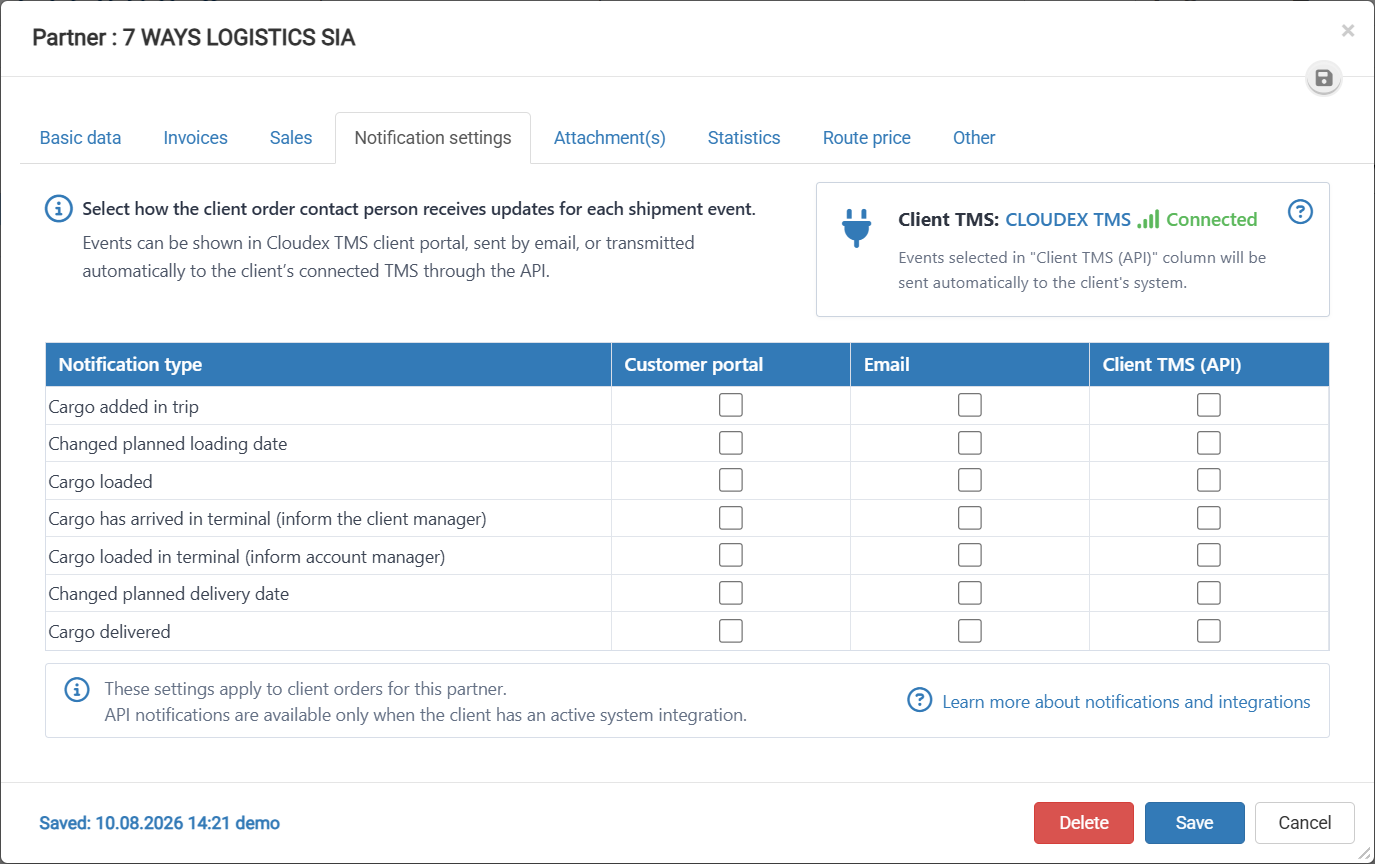
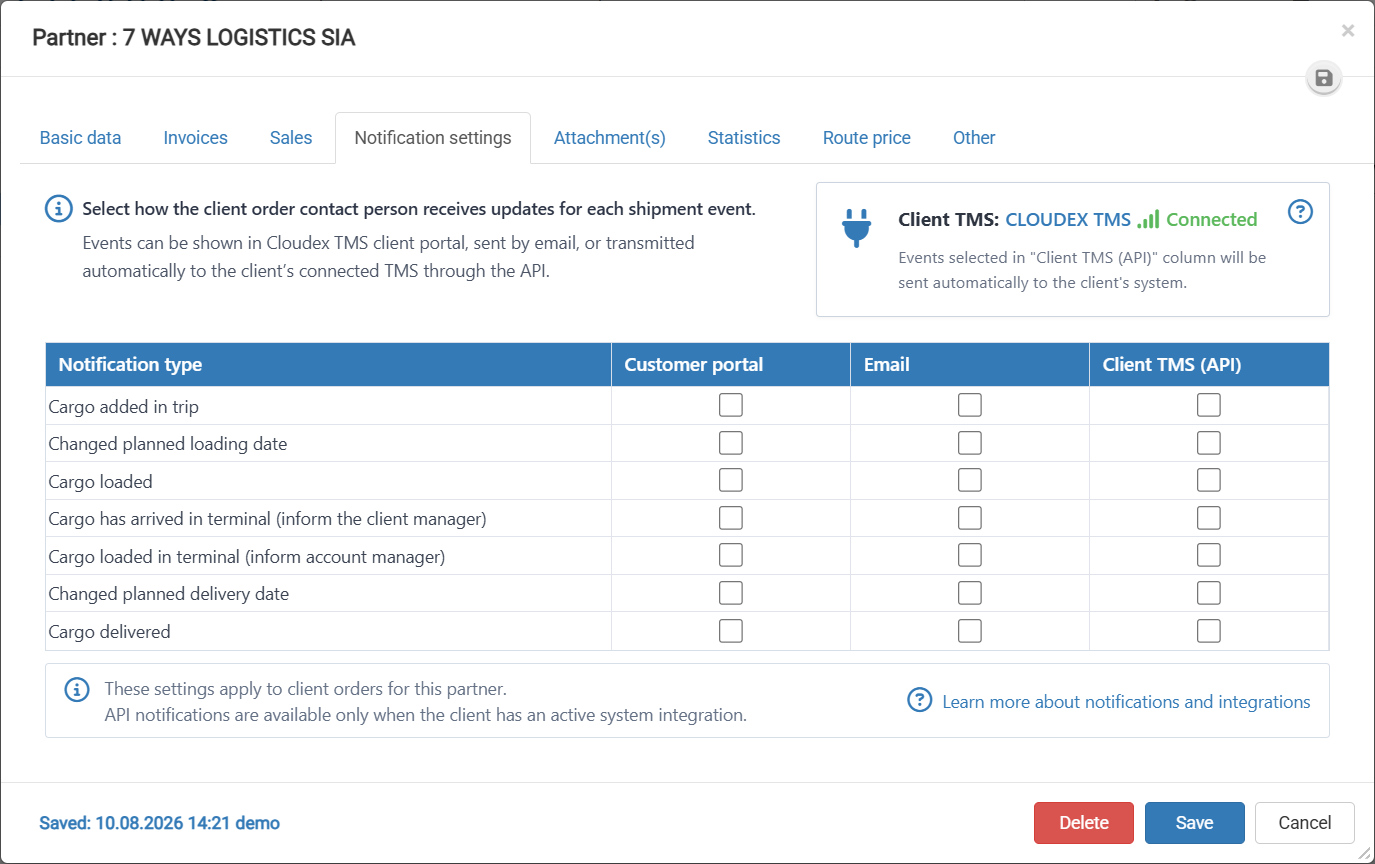
Select the Notification settings tab.
Review the available notification types.
For each notification type, select the appropriate delivery method:
Customer portal – sends the notification to the customer portal.
Email – sends the notification by email.
Client TMS (API) – sends the notification automatically to the client’s connected TMS through the API.
Select the required checkboxes for each shipment event.
Review the selected notification settings to make sure they are correct.
Click Save to apply the changes.
If you do not want to save the changes, click Cancel.