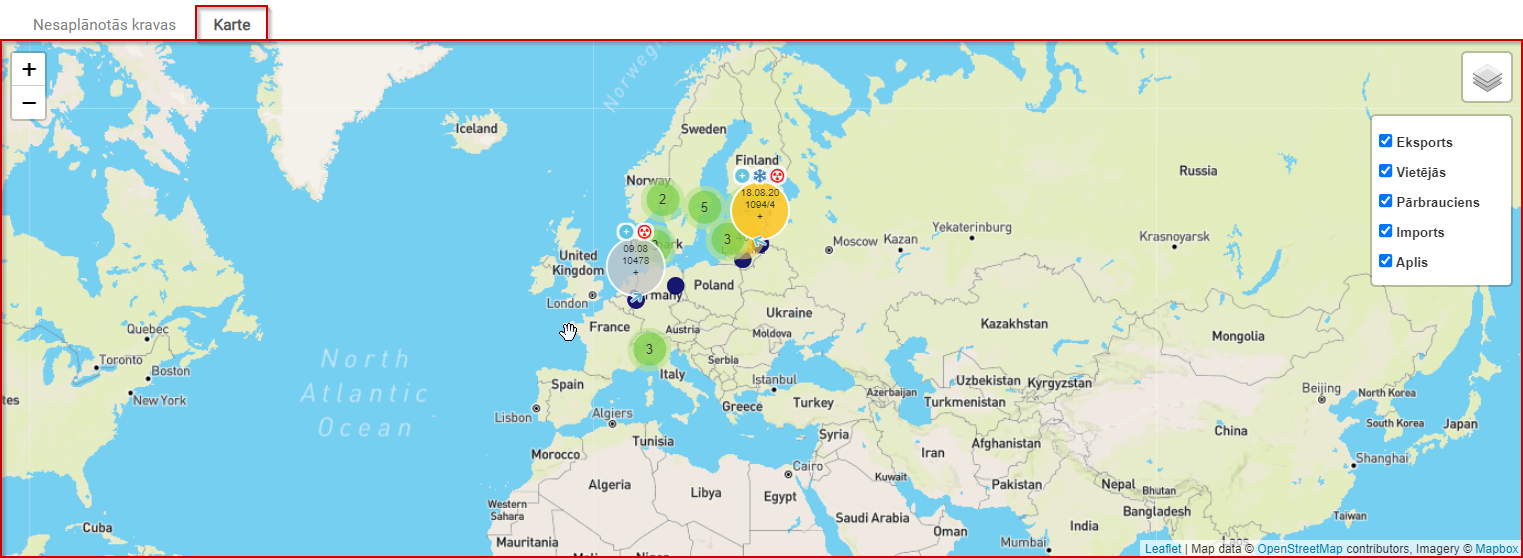
New Unplanned Cargo Map Window Page
Opening the Unplanned Cargo Map/Window
Required workflow: Operational work → Trips/Expeditions.
You will open the Trips/Expeditions window.
Current Unplanned Cargo Map
The current unplanned cargo map displays cargo in a visually clear way, making it easier to search for shipments.
For cargo to be properly displayed on the map, loading and unloading coordinates are important. See the image below.

Cargo can be filtered by the following attributes: Export, Local, Transit, Import, Round trip.