How to send order to carrier API?
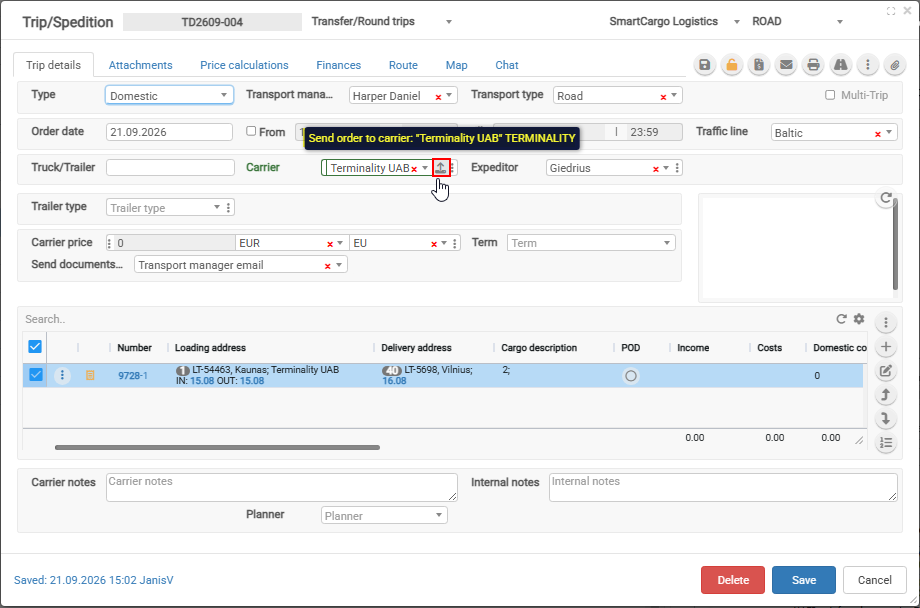
If in Trip/Spedition after field Carrier field appears Upload icon  then pressing on it Order will be sent to Carrier TMS system
If carrier also is using Cloudex TMS then this button will appear automatically otherwise in order to this button appears need to enter Cerriers TMS API key in system