How to send an unpaid outgoing invoice reminder
Finances -> Outgoing invoices -> Unpaid outgoing invoices totals
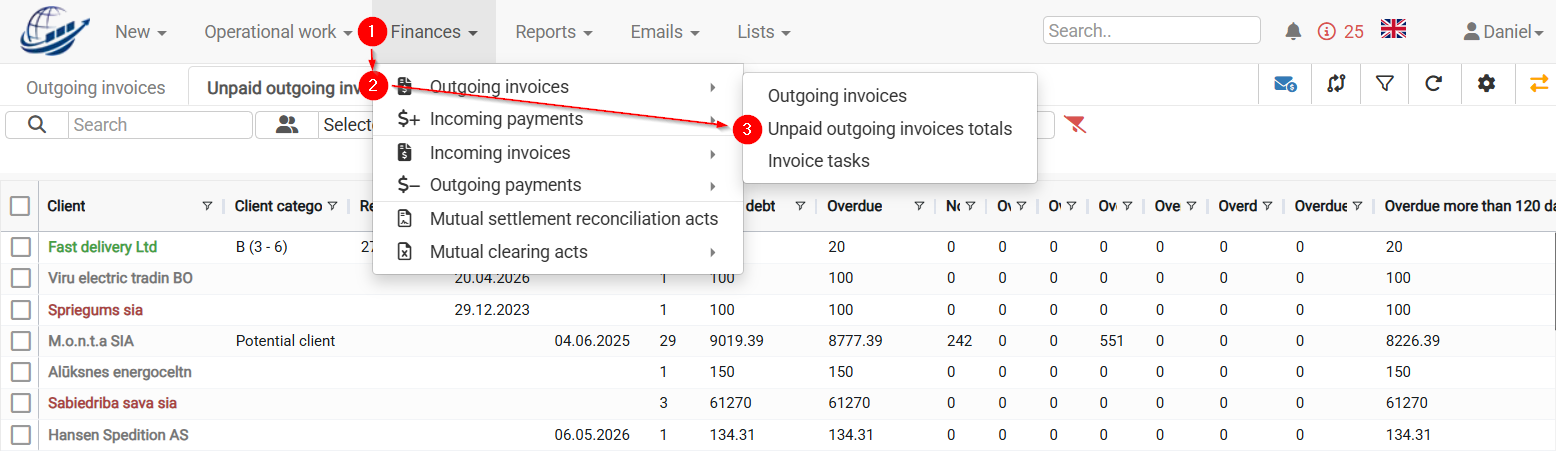
To see the correct list of unpaid invoices, set the date to theDue date  you want to check. The system will display all invoices that were still unpaid on that Due date.
If no date is selected, the system will display all unpaid invoices. But usually payment reminders are sent for delayed invoices.
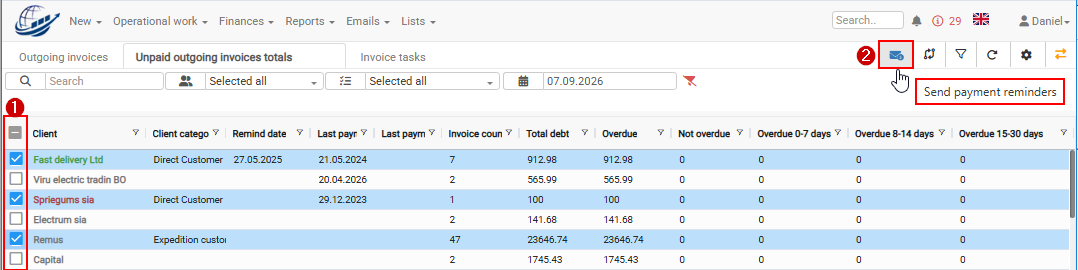
1) Select all or your chosen Clients you want to send invoice payment reminders
2) Choose Send payment reminders sunction
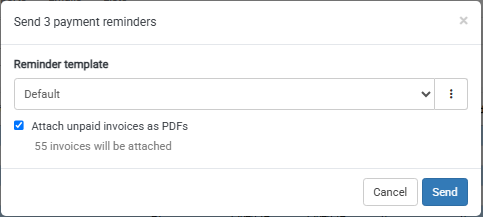
In next window it is possible to choose payment reminder text and Attach unpaid invoices as PDFs (unpaid invoices will be added to payment reminder as separate attachments)