
How to send shipment data to Cloudex TMS via API?
UseInthe orderCloudex toTMS importAPI when shipments created in CLOUDEX/OZOLSanother yousystem need to usebe CLOUDEXautomatically imported into Cloudex TMS.
This is typically the first step of a shipment integration between an external TMS, ERP, customer system, or another application and Cloudex TMS.
Before you start
You need:
See: How to create API key
Full Cloudex TMS API documentation: https://my.cloudex.lv/cloudex-api/swagger/index.html
Which endpoint should be used?
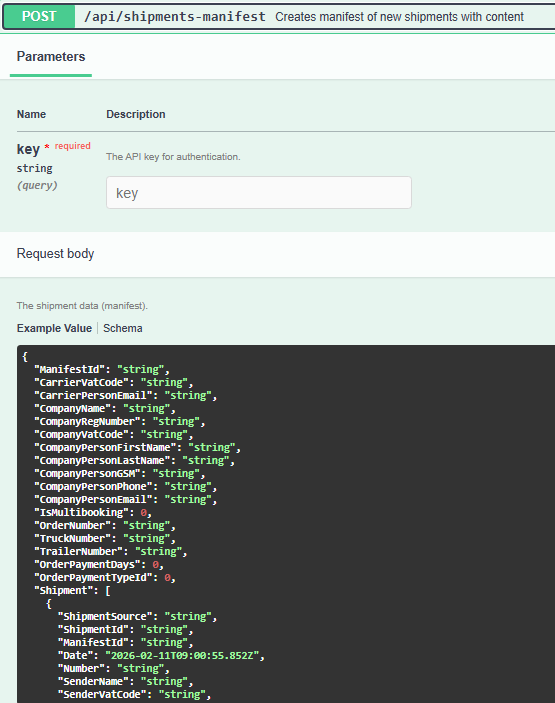
To create/import a shipment in Cloudex TMS, use the: shipment-manifest end-pointendpoint.
APIThe keyexternal yousystem cansends getthe writingshipment information to info@cloudex.lvCloudex TMS using this endpoint.
Integration flow
A typical shipment integration works as follows: External system → Shipment manifest → Cloudex TMS