
How to send shipment data to Cloudex TMS via API?
Use the Cloudex TMS API when shipments created in another system need to be automatically imported into Cloudex TMS.
This is typically the first step of a shipment integration between an external TMS, ERP, customer system, or another application and Cloudex TMS.
Before you start
You need:
- access to the Cloudex TMS API;
- a valid Cloudex API key;
- access to the Cloudex TMS API documentation.
See: How to create API key
Full Cloudex TMS API documentation: https://my.cloudex.lv/cloudex-api/swagger/index.html
Which endpoint should be used?
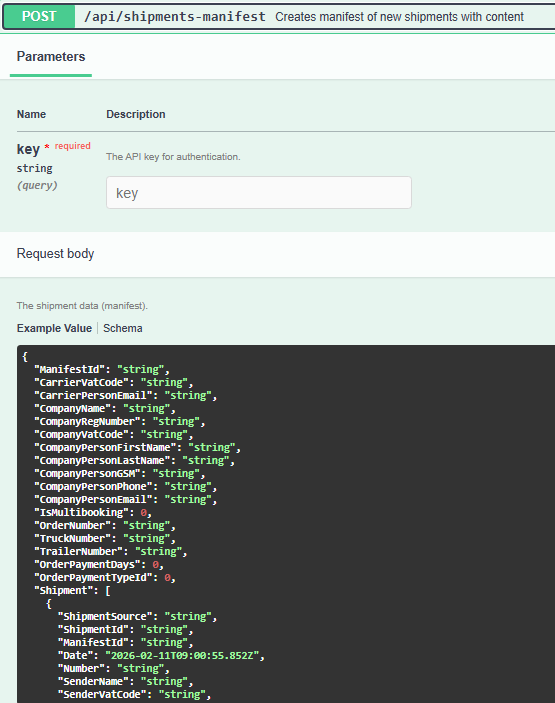
To create/import a shipment in Cloudex TMS, use the: shipment-manifest endpoint.
The external system sends the shipment information to Cloudex TMS using this endpoint.
Integration flow
A typical shipment integration works as follows: External system → Shipment manifest → Cloudex TMS
No comments to display
No comments to display