
How to send shipment documents to Cloudex TMS via API?
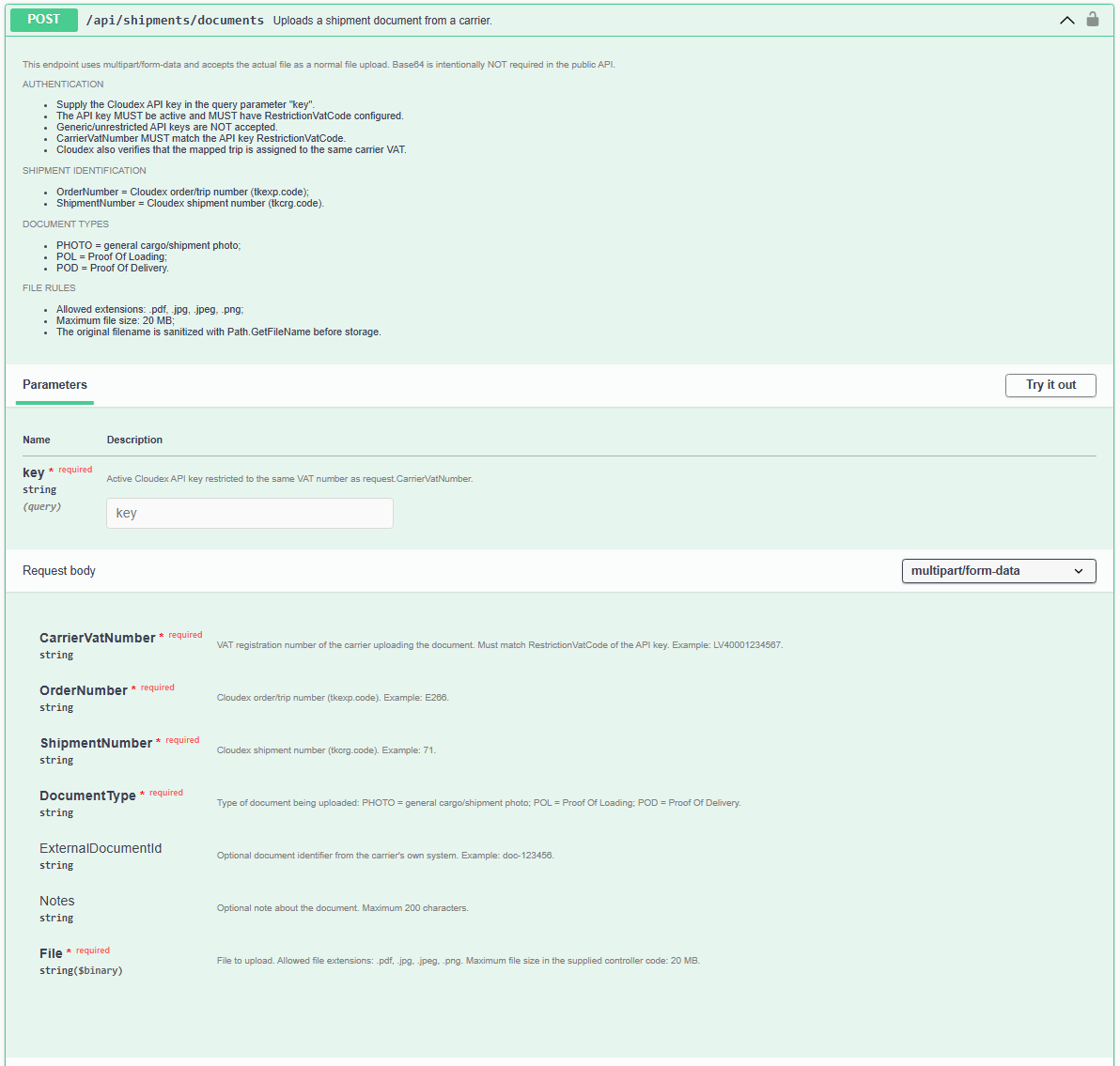
Use the Cloudex TMS API fulldocuments descriptionendpoint withwhen documents from an external system need to be attached to a shipment in Cloudex TMS.
Typical examples are:
Before you start
The shipment must already exist in Cloudex TMS and the external system must be able to identify which shipment the document belongs to.
You also need:
Full Cloudex TMS API documentation: https://my.cloudex.lv/cloudex-api/swagger/index.html
Which endpoint should be used?
Usually need toTo send POD/CMR
in order to send deliveryshipment documents to Cloudex TMS APITMS, use the: documents End-pointendpoint.
Integration flow
A typical document integration works as follows: External system → Shipment document → Cloudex TMS shipment
For example, once a signed POD or CMR becomes available in the connected system, it can be sent automatically to Cloudex TMS and linked to the corresponding shipment.
This reduces the need to manually download documents from one system and upload them again into Cloudex TMS.